

Read the actual message before trying again
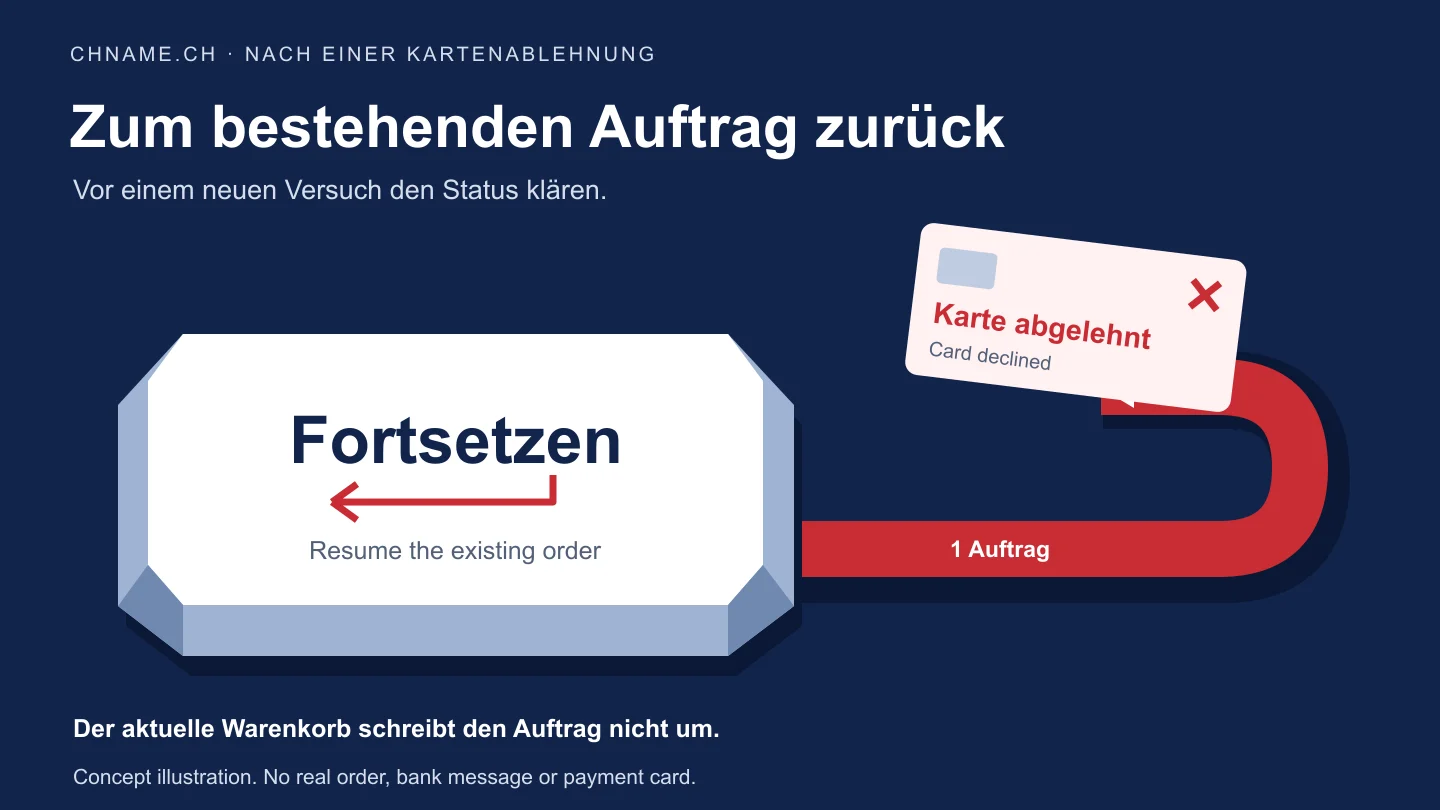
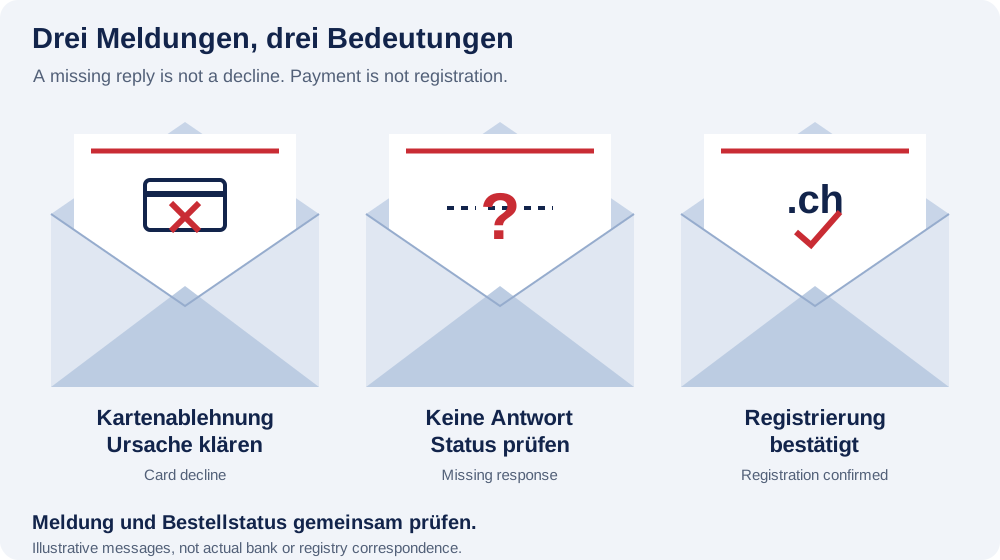
An invalid email address, a failed security check and a card decline have different causes. Correct a missing required value in the registration form; repeat a security check through the displayed widget without disabling protections. For a card message, address only the stated reason, such as an expired card, incorrect security code or insufficient funds. Stripe explains that a generic decline often does not include the bank’s precise reason. Do not invent a diagnosis. If the details are correct, your card issuer can discuss the case with you. Repeated clicking without resolving the cause is not a useful test.
Open the existing order through My account
Sign in with the email address used for the order. In My account, open Orders and choose Resume payment for an eligible open order. Resumption checks that existing order and shows its original amount and selections. Review the domain, term and optional mailbox again. Your current cart does not rewrite this saved order. An open order without a resume option calls for clarification through Contact. If you cannot find an order, quote the displayed reference and ask about the existing attempt before submitting new details.
Treat a missing response as unresolved
A closed browser or broken connection establishes neither a decline nor a successful payment. Open your account through the known website. An awaiting-payment label alone does not prove that no money is moving; an ongoing payment can block another confirmation. Equally, paid; processing next is not a domain-registration confirmation. Check the completed order and confirmed allocation. Questions about your .ch registration belong with its managing provider; Switch directs customers to their registrar. Keep using the same order reference and ask for clarification if displays conflict.
Planning example: the original amount still applies
Suppose a studio orders a new .ch domain with registration and two future annual renewals for €27, plus the first month of an optional 10 GB mailbox for €2.70. The initial payment is €29.70; the selected mailbox then costs €2.70 per month. This is a fictional example, not a customer story. After a confirmed decline, the studio changes the term and removes email in its cart. Reopening the original order through the account still shows the original €29.70 selection. If that is no longer wanted, resolve the existing order with support first. A new cart total does not change an already prepared payment.
Resolve non-resumable orders and bank entries precisely
An expired or non-resumable payment page is not an instruction to start several parallel orders. First establish whether the old order has ended, is still processing or was already paid. A pending bank entry is not registration evidence either. Stripe describes how an authorisation may appear even for certain blocked payments. Ask your bank and support about your particular entry without assuming a fixed release deadline. Have the domain, time and time zone, amount, order number and error message ready. Do not send full card numbers, security codes, passwords or sign-in links. Only check the exact domain for a new purchase once that is actually necessary and the earlier attempt has been resolved.
Your practical checklist
- Read the exact message: form, security check, decline or unconfirmed status.
- Address the stated card-decline reason or contact your bank.
- Sign in to My account using the order email.
- Review the existing order and its original selections.
- Use an offered payment-resume option instead of creating another order.
- Resolve the existing reference if payment is unclear or ongoing.
- After payment, check registration completion separately.
A useful question
Does a declined card mean someone already took the domain?
No. Card feedback and domain availability answer different questions. Read the actual order message and resolve an existing order before buying the domain again.
Do I need a second account to try again?
Start with the account linked to the order email. That keeps the existing order traceable. Another account does not resolve an uncertain payment or incorrect selection.
Should I send support a screenshot of the card form?
Send the message and reference rather than card details. If a screenshot is needed, remove payment data, codes and personal details unnecessary for the investigation.
Check the existing order first. A new search does not resume a payment. Open orders in My account →
Sources & further reading
- Stripe: card declines and issuer enquiries
- Stripe: payment states and retries
- Stripe: blocked payments and visible authorisations
- Switch: contacts for .ch registration questions
Original guide by chname.ch editorial. Published on . Provider and registry instructions take precedence when requirements change.