Use your website provider’s address
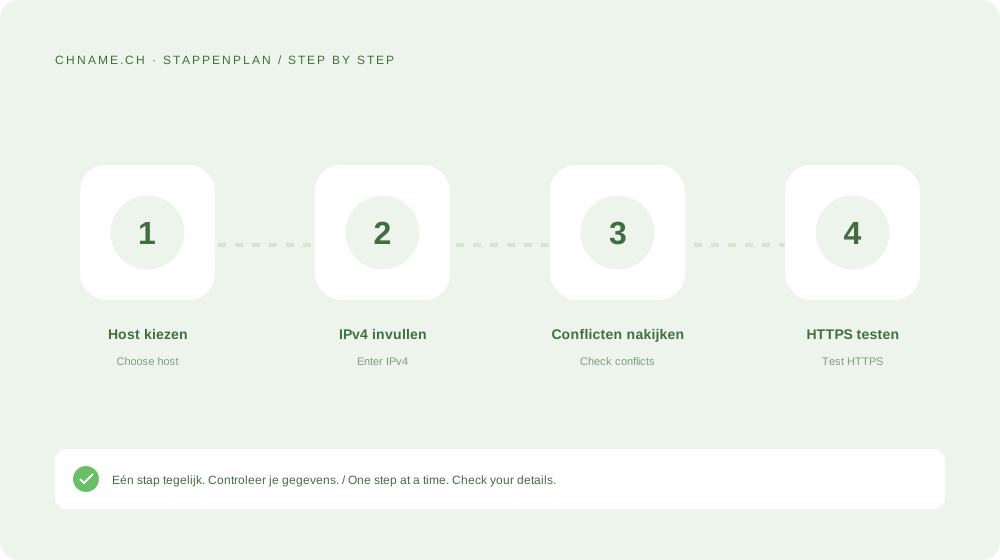
Get the exact IPv4 address from the website service. Use the interface’s apex convention for the root or a label such as shop for a subdomain. Do not include a protocol, port or path; those are URL components.
Check conflicting records
A CNAME cannot coexist with a regular A record on the same host. An old AAAA may still send IPv6 visitors elsewhere. Compare hosts and types instead of clearing the zone. Multiple A records may be intentional infrastructure.
Test beyond the DNS response
Test the chosen hostname, any www variant and HTTPS. An error page from the new server can mean DNS works while the server still lacks your domain configuration. Keep old infrastructure available during the transition.
Your practical checklist
- Copy the real IPv4 address.
- Check the hostname.
- Review CNAME and AAAA conflicts.
- Test the site and HTTPS.
A useful question
Can an A record point to a URL?
No. It contains an IPv4 address, not a URL or another hostname.
Ready to check your name? Start with the exact domain, then compare alternatives. Find a domain →
Sources & further reading
Original guide by chname.ch editorial. Archive dates organise this library; this guide was created and reviewed on . Provider and registry instructions take precedence when requirements change.