
Copy both selector and value
DKIM uses a selector beneath _domainkey. The provider may specify TXT or CNAME. Copy the record type, exact host and full value. Check automatic domain suffixes: a wrong selector makes a correct key undiscoverable.
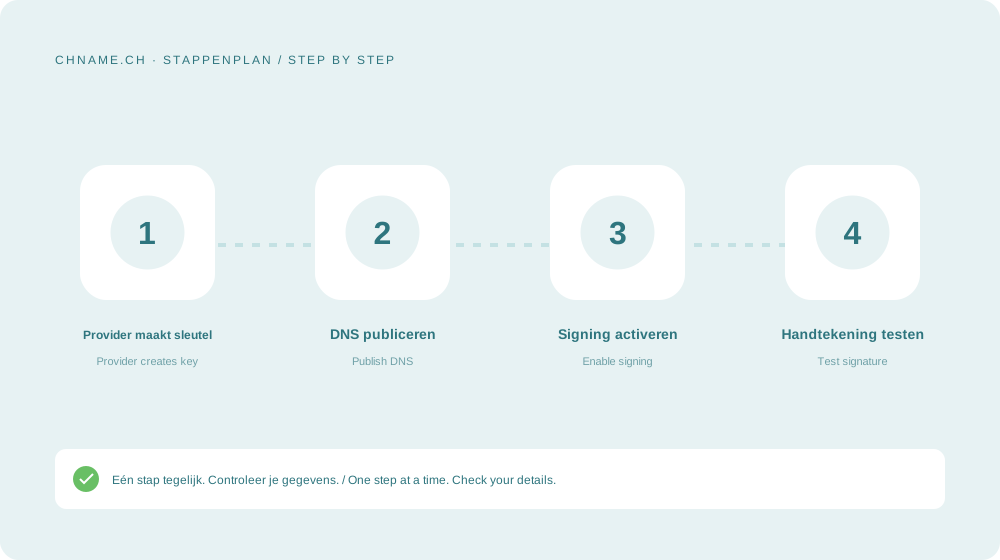
Enable signing at the sender
Some services require DNS verification followed by activation in the mail panel. Send an external test and inspect the DKIM result and signing domain. Each sending service needs its own setup. Retain old keys during rotation as instructed.
Your practical checklist
- Copy type, selector and value.
- Check the complete DNS host.
- Activate DKIM at the sender.
- Inspect a real outgoing signature.
A useful question
Do two services need the same selector?
Not necessarily. Different senders may use their own selectors. Follow each sender’s configuration.
Ready to check your name? Start with the exact domain, then compare alternatives. Find a domain →
Sources & further reading
Original guide by chname.ch editorial. Archive dates organise this library; this guide was created and reviewed on . Provider and registry instructions take precedence when requirements change.