
Choose your correspondence domain first
Use one recognisable primary domain consistently across website, invoices and signatures. Extra registrations do not automatically create mailboxes. Test the address aloud and use an already working email for registration management.
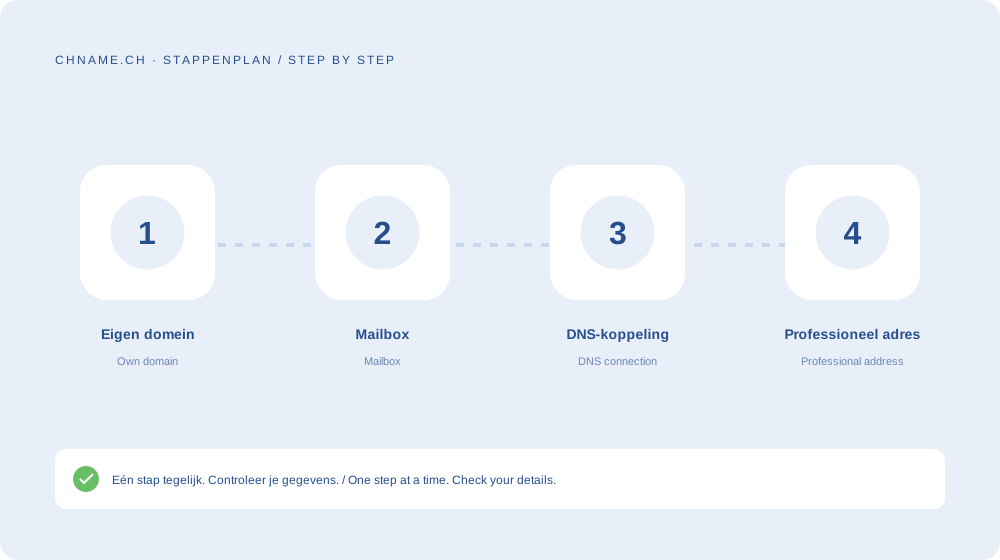
A mailbox needs more than MX
Create the mailbox at the email service first. MX routes incoming messages, while SPF, DKIM and DMARC support sender authentication. Configure the client with actual service details and test sending, receiving and replies externally.
Understand recurring costs
The optional chname.ch 10 GB mailbox costs €2.70 per month per selected domain. This is separate from registration and prepaid renewals. A three-domain bundle does not require three email services.
Your practical checklist
- Choose one primary email domain.
- Create the mailbox first.
- Review MX and authentication.
- Test with an external address.
A useful question
Must my website use the same provider?
No. Website and email can use different services with correctly configured DNS.
Ready to check your name? Start with the exact domain, then compare alternatives. Find a domain →
Sources & further reading
Original guide by chname.ch editorial. Archive dates organise this library; this guide was created and reviewed on . Provider and registry instructions take precedence when requirements change.