
Copy the full prescribed MX set
A provider may specify several servers with different priorities; lower numbers are preferred. Enter server hostnames, not mailbox addresses or URLs. Use the specified host, commonly the apex. Randomly mixing old and new MX servers can split delivery between services.
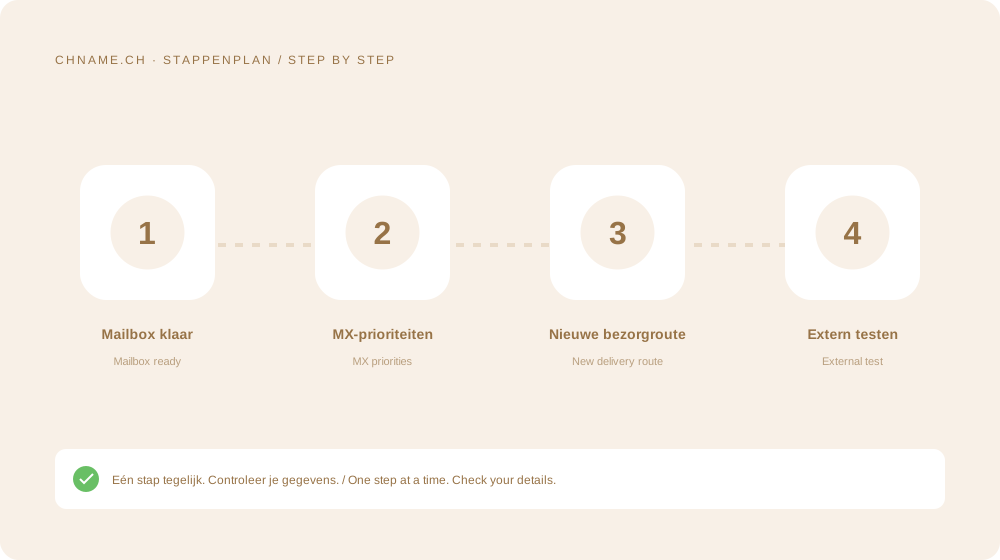
Plan an overlapping transition
Back up and migrate existing messages first. Keep the former service available while caches update. Test incoming mail from outside and test outgoing mail separately. Changing MX does not automatically configure SPF, DKIM or DMARC.
Investigate the correct service
If the site works but mail does not, check MX and the recipient mailbox. Preserve sender bounce messages, times and recipient addresses for support. Do not add guessed records.
Your practical checklist
- Create mailboxes first.
- Copy servers and priorities.
- Test external incoming mail.
- Retain old access during transition.
A useful question
Does MX move old messages?
No. MX controls new delivery. Existing mailbox contents need a separate migration.
Ready to check your name? Start with the exact domain, then compare alternatives. Find a domain →
Sources & further reading
Original guide by chname.ch editorial. Archive dates organise this library; this guide was created and reviewed on . Provider and registry instructions take precedence when requirements change.