Choose a name with a clear purpose
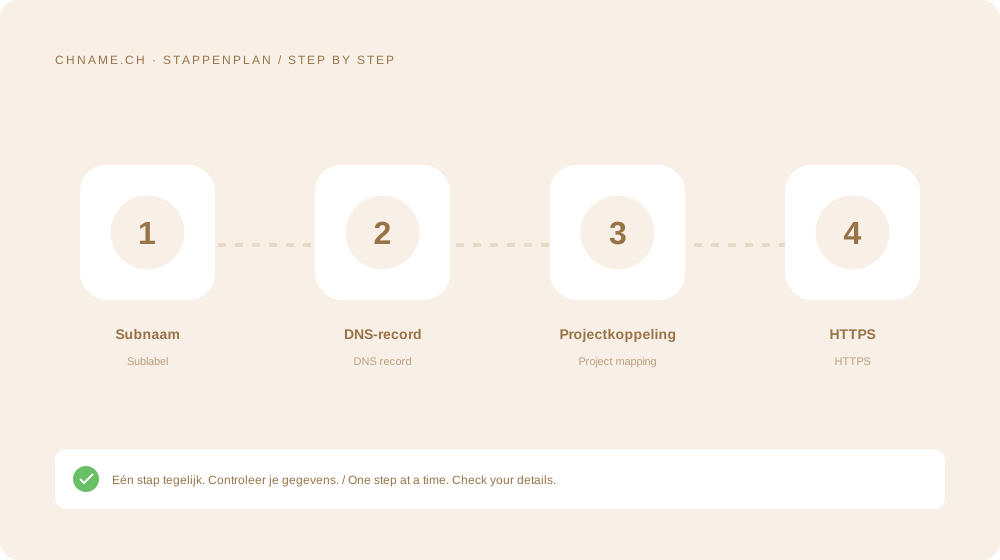
Pick a memorable label without conflicting with existing services. The website provider specifies A, AAAA or CNAME. Use a relative host when the interface appends the parent domain automatically, avoiding accidental duplication.
Activate it at the destination
Add the full subdomain in the website or app service so it selects the correct project and issues a certificate. For CNAME, check for conflicting records. Open the subdomain directly and verify the browser address and HTTPS.
Your practical checklist
- Choose a clear label.
- Get the required DNS type.
- Add the complete name at the service.
- Test HTTPS directly.
A useful question
Is a subdomain a separate registration?
Normally no. It is configured under your existing domain through DNS and the destination service.
Ready to check your name? Start with the exact domain, then compare alternatives. Find a domain →
Sources & further reading
Original guide by chname.ch editorial. Archive dates organise this library; this guide was created and reviewed on . Provider and registry instructions take precedence when requirements change.